Schedule a Revenue Cloud Index Rebuild with Apex
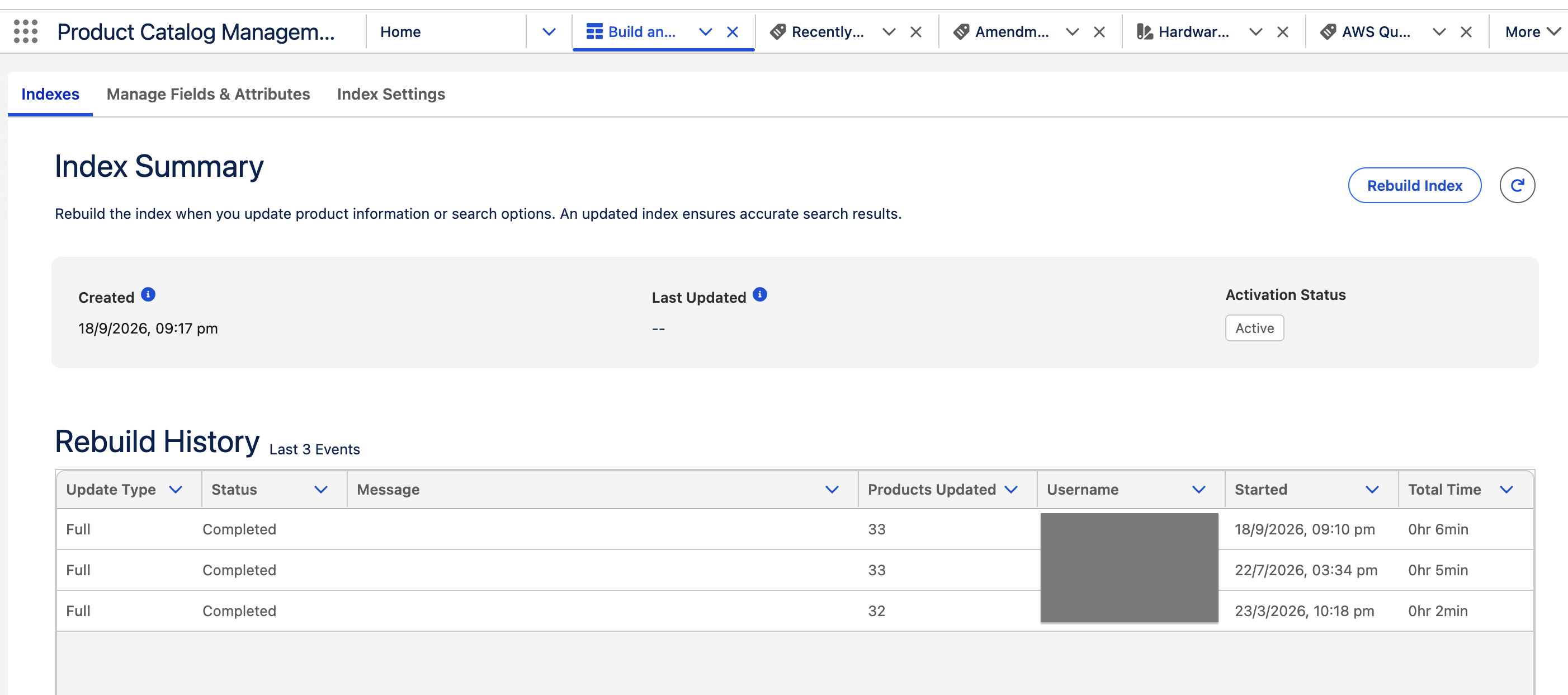
If you need to rebuild a Revenue Cloud Product Catalog Management index regularly, you can automate it with Scheduled Apex.
The example below finds the active catalog snapshot and starts a full rebuild. The scheduled job hands the work to Queueable Apex because the request requires an HTTP callout.
Create the Named Credential
In Salesforce Setup:
- Create an External Credential with your preferred OAuth authentication.
- Create a Named Credential with these values:
- Name:
PcmIndexApi - URL:
https://your-domain.my.salesforce.com
- Name:
- Give the running user access through a Permission Set under External Credential Principal Access.
Add the Apex class
global class PcmIndexRebuildScheduler
    implements Schedulable, Queueable, Database.AllowsCallouts {

    private static final String BASE_PATH =
        'callout:PcmIndexApi/services/data/v65.0/connect/pcm/index';

    global void execute(SchedulableContext context) {
        System.enqueueJob(new PcmIndexRebuildScheduler());
    }

    public void execute(QueueableContext context) {
        String snapshotId = getActiveSnapshotId();

        HttpRequest request = new HttpRequest();
        request.setEndpoint(BASE_PATH + '/deploy');
        request.setMethod('POST');
        request.setHeader('Content-Type', 'application/json');
        request.setBody(JSON.serialize(new Map<String, Object>{
            'snapshot' => new Map<String, Object>{
                'id' => snapshotId,
                'activationType' => 'IMMEDIATE'
            },
            'buildType' => 'FULL'
        }));

        new Http().send(request);
    }

    private static String getActiveSnapshotId() {
        HttpRequest request = new HttpRequest();
        request.setEndpoint(BASE_PATH + '/snapshots');
        request.setMethod('GET');

        HttpResponse response = new Http().send(request);
        Map<String, Object> payload = (Map<String, Object>)
            JSON.deserializeUntyped(response.getBody());

        for (Object item : (List<Object>) payload.get('snapshots')) {
            Map<String, Object> snapshot = (Map<String, Object>) item;

            if ((String) snapshot.get('activationStatus') == 'ACTIVE') {
                return (String) snapshot.get('id');
            }
        }

        throw new CalloutException('No active snapshot found.');
    }
}
Schedule the rebuild
Run this once from Anonymous Apex:
System.schedule(
    'Daily PCM Index Rebuild',
    '0 0 2 * * ?',
    new PcmIndexRebuildScheduler()
);
This runs every day at 2:00 AM in the Salesforce org's time zone.
To start a rebuild immediately:
System.enqueueJob(new PcmIndexRebuildScheduler());
For production use, add response-status checks, logging, tests, retry limits, and rebuild-status monitoring.